
How to setup the heat pump wifi


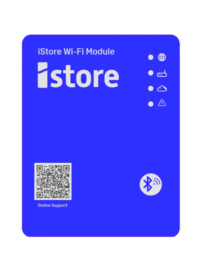
Getting your iStore heat pump connected to Wi-Fi is quick and simple. On this page, you’ll find clear setup instructions and step-by-step video guides designed for both Android and Apple devices. These resources apply exclusively to our latest iStore heat pump models with built-in Wi-Fi, ensuring you can enjoy seamless monitoring and control through the iStore app.


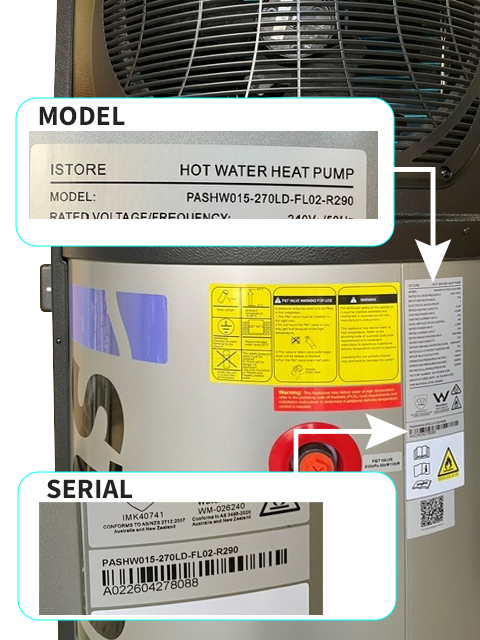
Retrofit WiFi Compatible iStores

PASHW008-180LD-NM-R290
PASHW015-270LD-FLO2-R290

Click Here To Order Your WiFi


WiFi Setup Instructions Apple/Android

Company Invitation Code 

X88Q5WGD

TROUBLESHOOTING

  • Wifi name/ SSID should not have any special characters

  • For the connectivity to function, a 2.4ghz Wifi connection is required.

  • It has been reported that some Google pixel and Android phones (Galaxy S25) appear to not like the wifi set up, so may need a different phone iStore work on this issue.

  • Mesh routers (like newer modems) have wifi 7 which isn't supported - they need to ensure that they have a dedicated 2.4ghz network created whether that be their main network or a guest network and they need to ensure that their security setting is set to WPA2 as the highest setting. It cannot be WPA2/WPA3


** If you are still experiencing troubleshooting issues - Please fill in the below form for Support **

TOP
Call Now Button